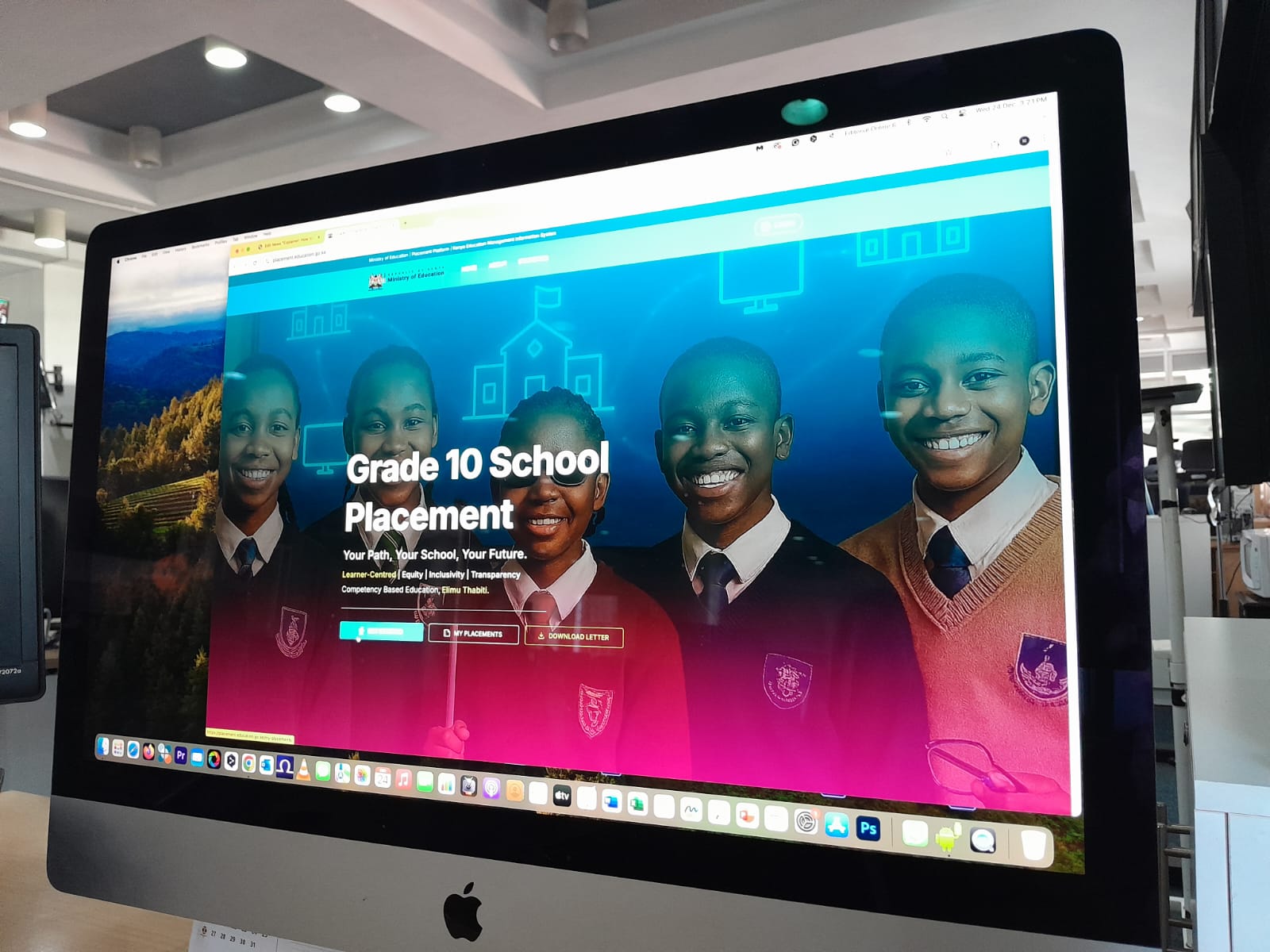
The Ministry of Education launched an online portal allowing parents and school administrators to request transfers for learners in Kenya’s junior schools. The platform aims to make the transfer process faster, more transparent, and accessible from any location with internet access.
This comes days after the release of senior school placement results, which triggered anxiety and frustration among parents and learners. Many complained about being assigned to day schools located hundreds of kilometres from their homes.
Parents argued that the Ministry’s directive requiring candidates to select at least four day schools during the application process was impractical, particularly in rural and marginalised areas where such options are scarce.
For 1.13 million graduates of the inaugural Kenya Junior School Education Assessment (KJSEA), the release of results marked the end of a gruelling 24-hour marathon of digital anxiety and technical hitches.
“Being a pioneer undertaking, the Government appreciates and empathises with parents, learners, and other stakeholders’ anxieties and uncertainties around the transition to Grade 10. We are dedicated to making the placement process as transparent, fair, and satisfactory as possible while taking into account learners’ preferences and the capacities and available pathways in respective schools. We encourage all involved parties to engage constructively in the placement process as we collectively refine and strengthen CBE for the benefit of our learners,” said. Principal Secretary for Basic Education Prof Julius Bitok, in a statement.
In an interview with Nation, Prof Bitok revealed that the placement portal will remain open for seven days to enable learners to revise their choices. During this period, candidates who feel uncomfortable with their assigned pathway or school will be allowed to reapply, subject to available space and merit.
He said that all revisions will be processed transparently and equitably, in line with placement guidelines, as the government implements the new senior school structure.
“I want to urge the parents not to worry. The portal will be open for one week for admissions, and you can still revise and get the pathway you really like. When you go to the system, you will see the schools that are open, and you can now apply through your junior school. Learners would be allowed to revise their choices based on pathways, including switching from STEM to social sciences,” he said.
During the seven-day period, learners who are dissatisfied with their assigned school or their allocated pathway will be allowed to reapply. However, any revision will be subject to merit and the availability of space in the preferred schools and pathways.
Using the placement portal, learners will be able to submit revised choices through their junior schools, selecting only from schools that appear as available on the system.
Learners will be allowed to revise their pathway choices, including switching from STEM to Social Sciences, provided they meet the required criteria, and there is space in the preferred pathway.
“After the learner knows which pathway and schools they have been placed, they will be given an opportunity, if they don’t like the pathway or if their results are not in agreement with the pathway they chose, they will be given an opportunity starting from Tuesday, 23rd to revise and get into the pathways of their choice,” said Prof Bitok.
The new portal is designed to ease this process.
Here is a step-by-step guide for parents and school administrators on how to request a transfer:
1. Accessing the Portal
Visit https://placement.education.go.ke and click “Log in” on the landing page.
2. Logging In
Enter the Junior School selection username and password carefully, then input the verification code displayed to gain access.
3. Requesting a Transfer
Click “Request Transfers” on the left sidebar to view all learners in the school and their current senior school placements.
4. Selecting a Learner and Institution Type
Select the learner to transfer and click Next. Choose whether the transfer is to a public or private school and proceed.
5. Providing a Reason for Transfer
Enter the reason for the transfer when prompted and click Next.
6. Choosing the Pathway and Subjects
Select the appropriate educational pathway and the learner’s subject combination before continuing.
7. Selecting the New School
Choose the school to which the learner will be transferred and review all details.
8. Confirming Transfer
Verify all transfer details carefully, then click Submit to complete the request.
Tips for Parents and Schools:
• Double-check all entries to avoid delays.
• Keep login credentials secure.
• Submit requests early, as transfers are subject to school availability.
About the Author