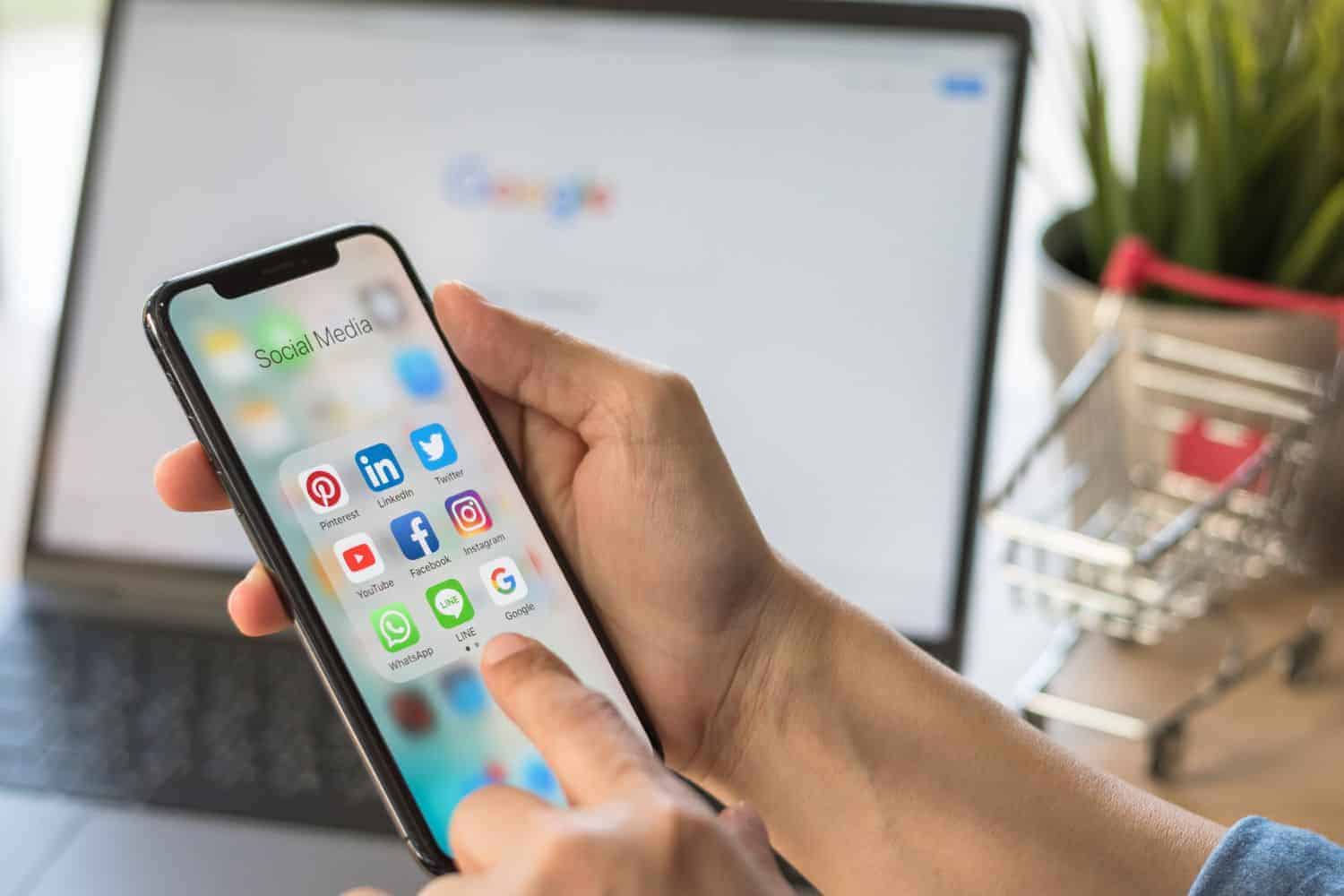
With budgets constrained or drained after a festive-season shopping spree, many will have far less for data, which has become a precious commodity.
Mobile data prices have fallen in South Africa over the past few years, but many users still have a limited budget.
Budget
At the same time, we’re using more data than ever before for work and personal apps. But the good news is that you can cut back on mobile data without compromising your experience.
Here are a few tips to save data on your Android smartphone.
Mobile data usage
Understanding your data usage patterns is the first step in reducing mobile data use. On later versions of Android, you can track how much data you use via the phone’s Settings app.
Tap Network and Internet, Internet, then Settings (next to your operator). At the top, you’ll see how much total data you use.
ALSO READ: ‘Loan sharks to the poor’ – Mobile network operators grilled by MPs over data costs [VIDEO]
Use Wi-Fi
The easiest way to cut back on mobile data costs is to use Wi-Fi when it’s available – at school, work or your local shopping mall. Remember to be a bit more security-conscious when you use Wi-Fi at a public hotspot like a coffee shop or hotel. Subscribe to a virtual private network (VPN) to protect your privacy.
You should, for example, not use online banking unless you are sure the connection is secure.
Download media and maps to your phone
Media streaming apps like Netflix and Spotify are extremely data hungry. Download your shows and playlists while you have Wi-Fi access.
You can then watch and listen to your media offline when you only have a cellular connection. You can also download offline maps on Google Maps, so that you can navigate without using your mobile data.
Make sure apps only sync over Wi-Fi
Cloud storage apps like Google Photos and Dropbox upload and download a lot of data in the background. Check their individual app settings to make sure that they only upload heavy files like videos and images when you are on a Wi-Fi connection.
This setting is often enabled by default, but it’s worth checking if you’re using more data than expected.
Turn off automatic app updates
Developers are constantly updating your favourite apps with security patches, bug fixes and new features.
These updates can rapidly chew through your mobile data. Luckily, you can use the Play Store app to set apps to update over Wi-Fi only to avoid using your bundle up on app downloads.
Reduce streaming quality
If you forgot to download your content over Wi-Fi or can’t use it offline, many apps let you reduce streaming quality to use less data. Apps like Spotify, Netflix, Disney+, TikTok, and YouTube offer optional low-quality modes that use less data by, for example, reducing video resolution or sound quality.
Try lite app versions
Many apps are available in scaled-down lite versions, including popular social media and media streaming apps, according to TCL.
These apps will not only use less mobile data but also run more efficiently on older, lower-spec Android devices.
Google, for example, has an entire suite of “Go”-branded apps for users who want a lightweight version that uses less data and processing power.
Stop auto-playing video
Many social media apps will guzzle data by auto-playing videos as you scroll through your feed. You can usually turn off this video autoplay mode in the app’s settings to spare your data.
ALSO READ: Are your favourite apps eating your data? Here’s what you need to do
About the Author